
Workout Tracking & Strength Progress Guides
Start with a clear workout log, learn what its numbers mean, or take an approved AI routine into the gym. Choose the guide that matches your next task.
Understand your workout progress
Read the overload guide first. Then choose PRs, e1RM or volume for the measure you want to understand. For a quick calculation, open the one-rep max calculator.
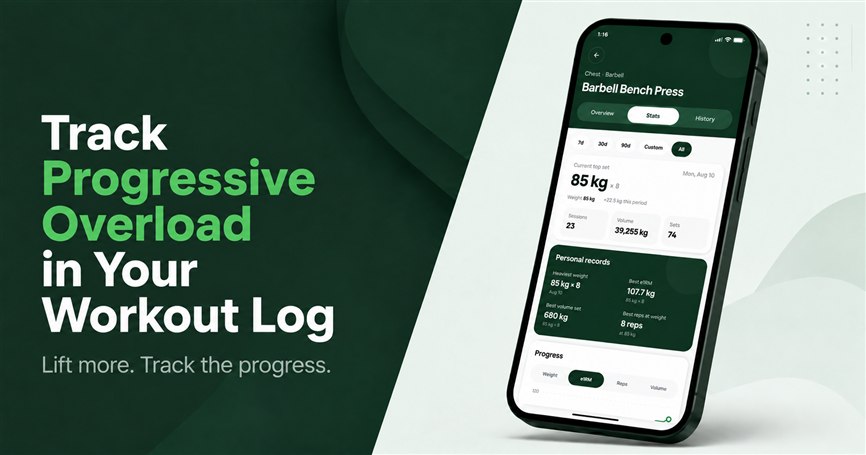
How to Track Progressive Overload
Start here: record comparable sessions and read a four-session log before changing your plan.
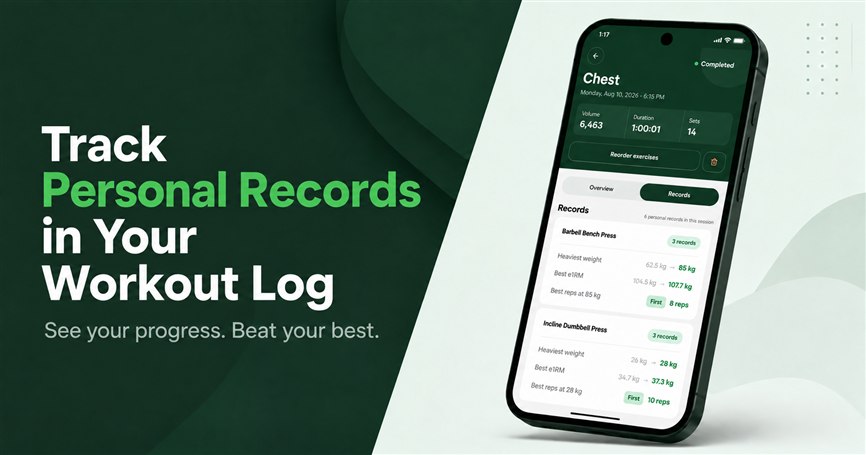
Weight, Rep and e1RM Personal Records
See what each PR means, compare example sets and understand records after a completed workout.
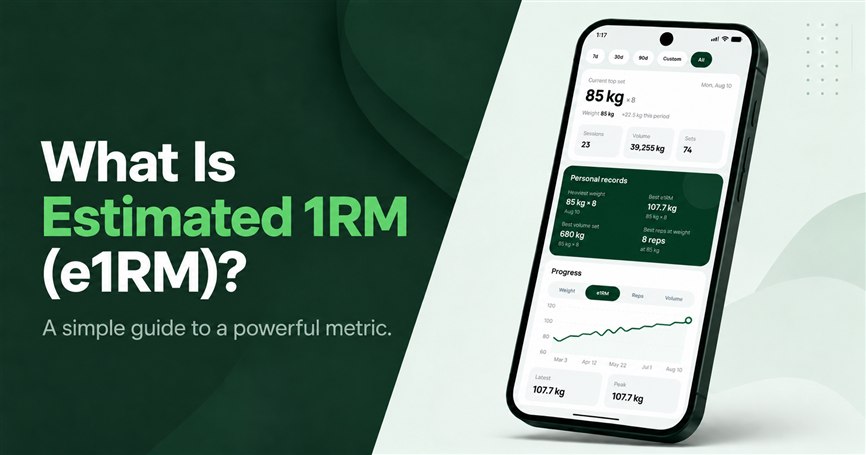
Estimated 1RM: Formula and Limits
Compare different weights and reps, work through the numbers and understand the estimate’s limits.
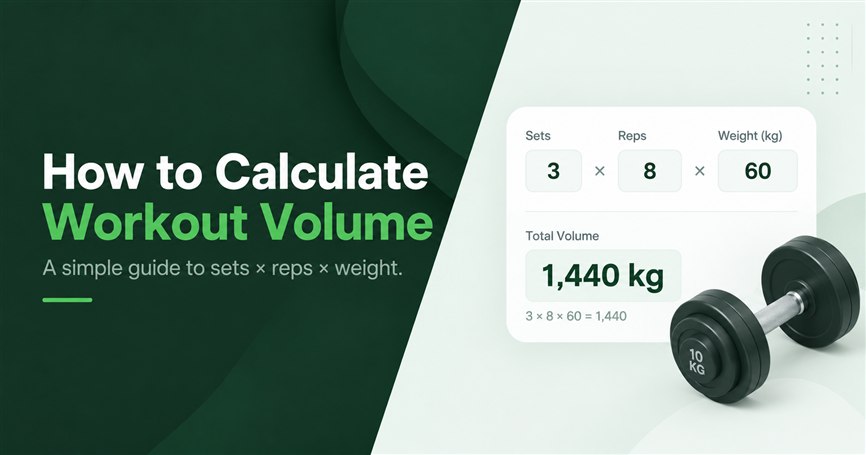
How to Calculate Workout Volume
Add weight × reps across sets and separate volume load from working-set count.
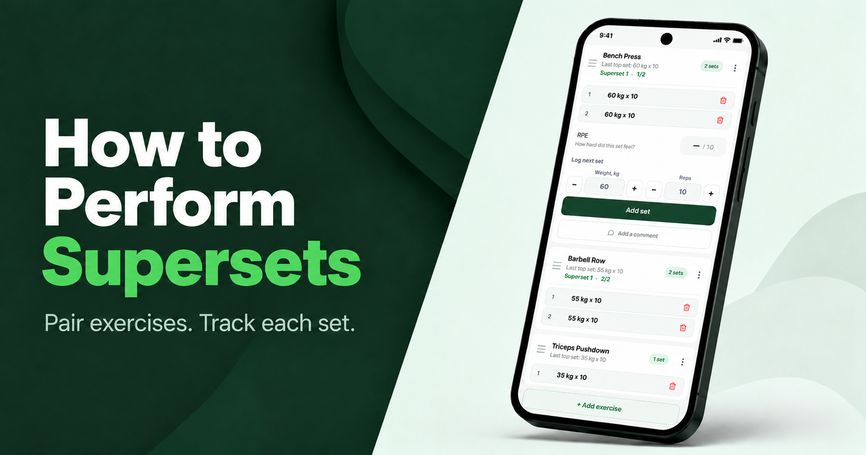
Supersets: Examples, Rest and How to Track Progress
Choose exercise pairings, record rounds and rest, and compare progress for each movement.
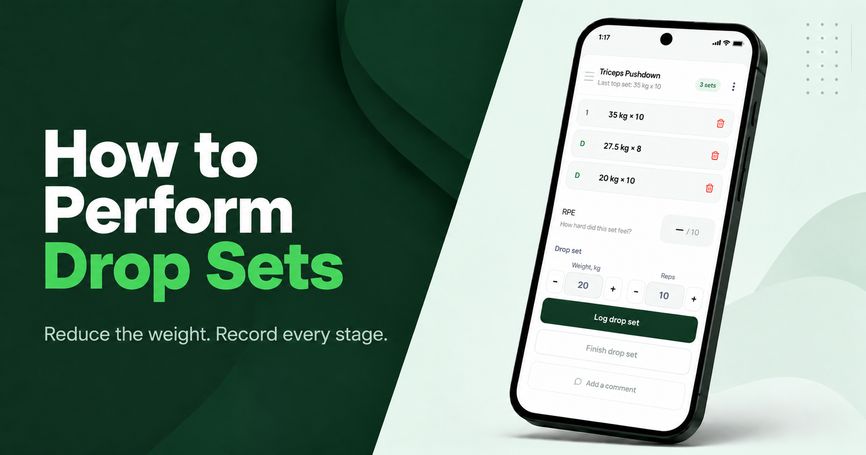
Drop Sets: How to Perform, Log and Track Them
Log the main set and every weight reduction, then distinguish more work from more strength.
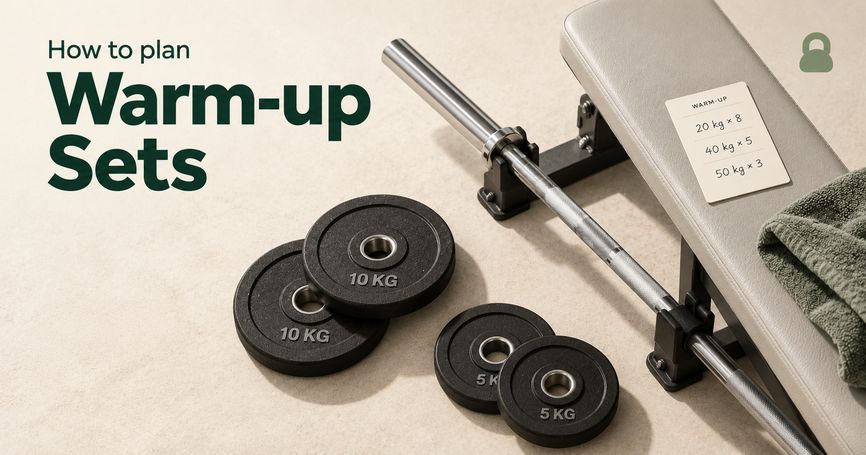
Warm-up Sets: How to Choose Weights Before Working Sets
Build a practical warm-up ramp, distinguish preparation from working sets and keep both clear in your workout log.
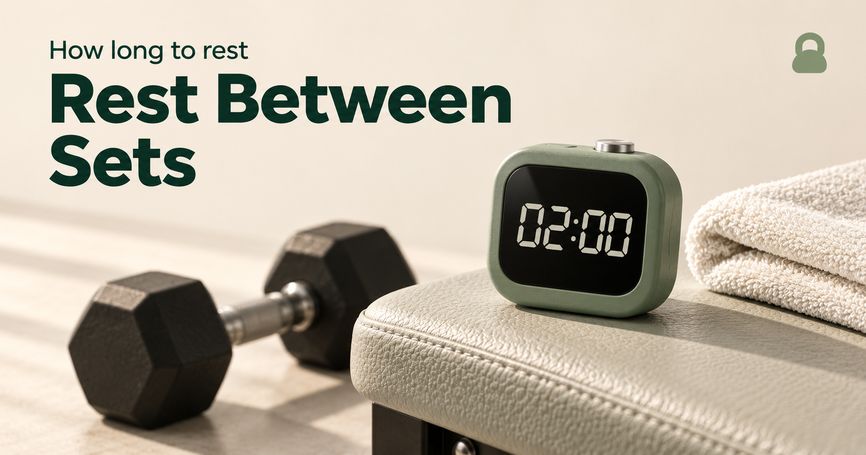
How Long Should You Rest Between Sets?
Choose practical rest intervals, understand falling repetitions and keep recovery consistent with an automatic timer.
Plan and review with AI
Start with the plan walkthrough to build a routine, or choose your assistant to review an existing log. Connection details live in the setup guide.
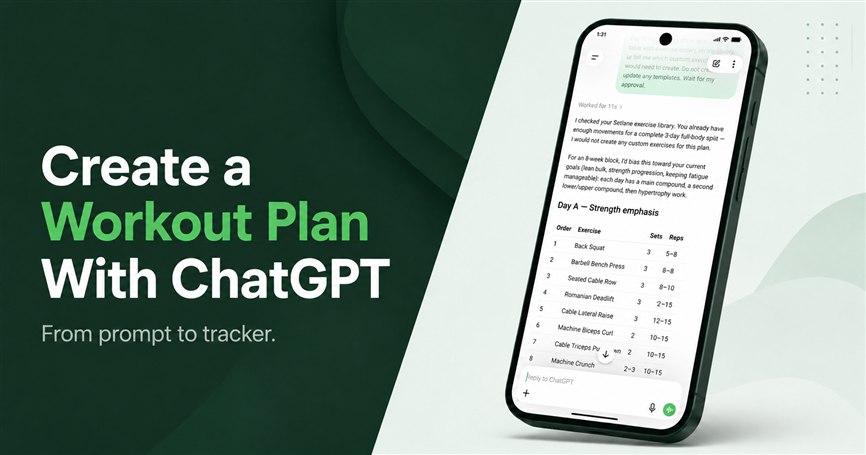
Create a ChatGPT Workout Plan and Save It
Draft a plan, review a real example and see exactly which routine fields are saved in Setlane.
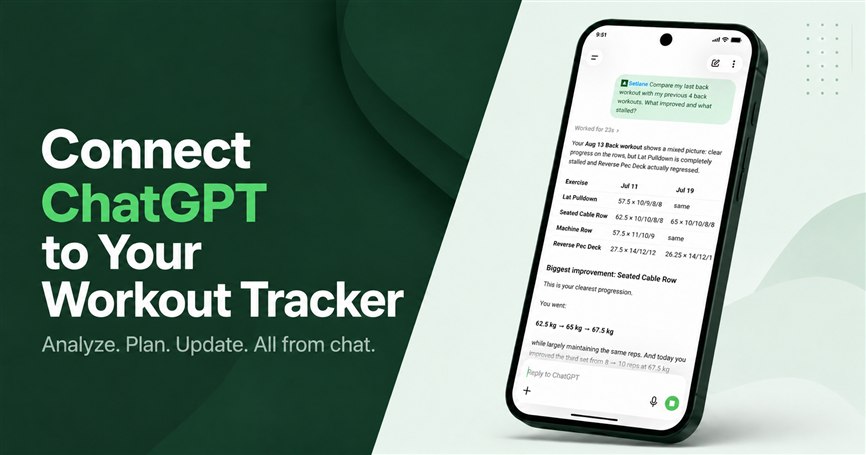
Review Your Log With ChatGPT
Compare training blocks and ask for the sessions behind the answer.
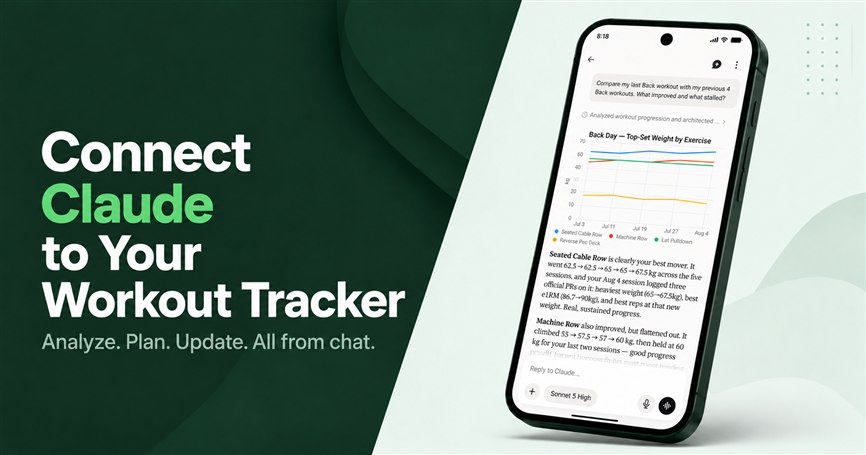
Review Your Log With Claude
Bring completed Back sessions into a review alongside your training notes.
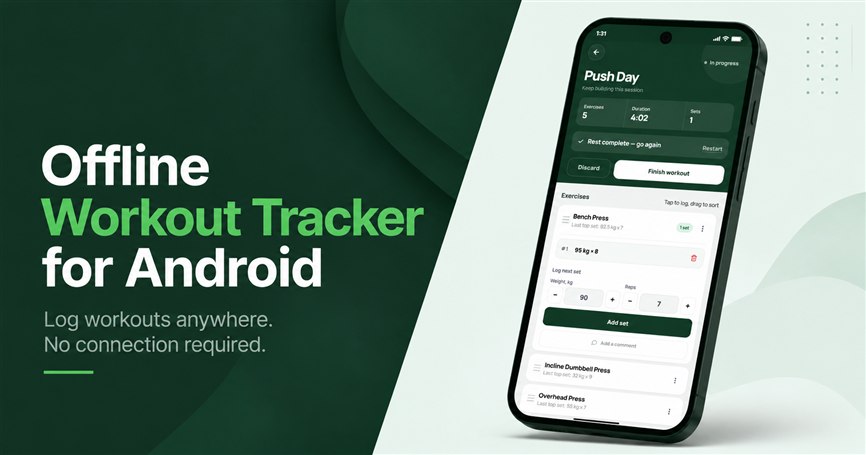
Log reliably on Android
Prepare before the gym, record your sets without a signal, then sync the completed session.
Compare workout trackers
Choose a workout log around your devices, training routine, AI workflow and budget.
Setlane vs Strong: AI Connections, History and Workout Logging
Compare Strong and Setlane on free history, Apple Watch, RPE, AI connections and the practical steps involved in switching.
4 Strong Alternatives: Find the Right Workout Tracker
Four alternatives organized around what you want to change in Strong, including history import, training plans and Android logging.
Setlane vs Hevy: Which Workout Tracker Fits You?
Both apps log your lifting. The decision comes down to devices, free limits, how you use AI and what you want to pay. Here is where each fits.
5 Hevy Alternatives for Different Training Needs
Five Hevy alternatives, from a simpler log to nutrition tracking, set-by-set targets and ready-made programs, with what each costs.
Bring your history and record your effort
How to Import Strong Workouts into Setlane
Export your Strong CSV, match exercises and review your history before importing.
How to Import Hevy Workouts into Setlane
Export your Hevy CSV, match exercises and review your history before importing.
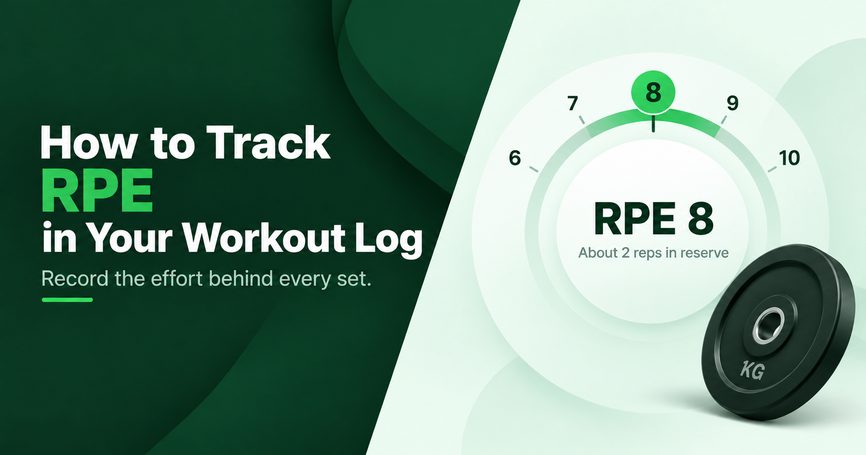
How to Track RPE in Your Workout Log
Record effort alongside weight and reps, then compare similar sets over time.