How do I create a workout plan with ChatGPT?
Start by telling ChatGPT how many days you can train, how much time you have, your equipment, your experience and any exercises you need to avoid. Ask it to explain its choices and show the plan for review. You can keep that draft in the chat or copy it into your own log.
Setlane adds a separate step: with an account and an authorized write connection, ChatGPT can save approved days as routines. Setlane itself does not generate the program. Review whether the draft fits you before using it.
What do I need to save the plan?
For automatic saving, install Setlane on Android, sign in and follow the ChatGPT connection guide. Choose read and write access. Read-only lets ChatGPT check the library and existing routines; it cannot create a new routine.
Free includes three routines and five custom exercises. Three new days fit only if you have three routine slots available. Ask ChatGPT to check existing routines before creating more.
Setlane Free includes 60 AI tool calls per month, shared across connected AI clients. One message can use several calls. Pro removes Setlane’s monthly call cap. Access to custom connections and any ChatGPT or Claude subscription are separate; the AI provider’s own limits still apply.
Give the draft clear constraints
A useful brief includes days per week, session length, equipment and your goal. For example: “Three days per week, up to 60 minutes, a barbell and cable machines, and a routine I can repeat.” That is an illustrative brief; it is not a claim about the session shown below.
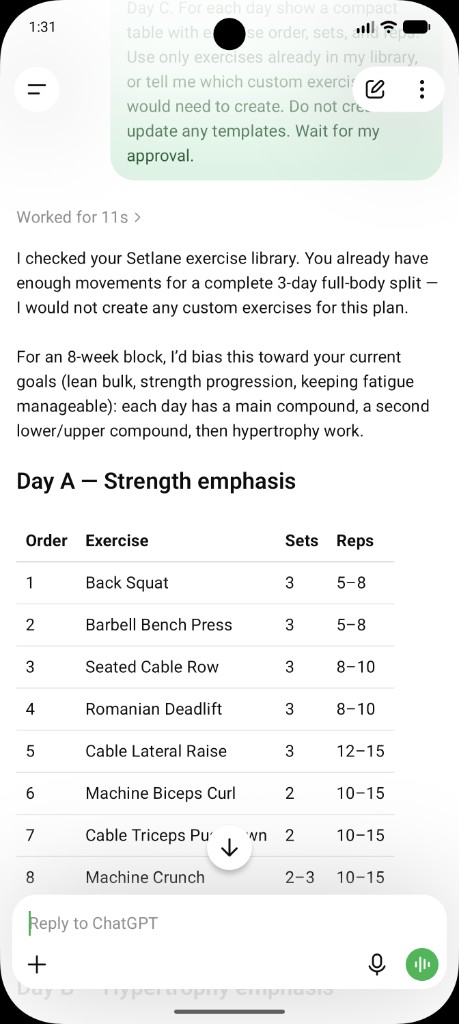
The existing example on this page uses a three-day full-body plan for an eight-week block, with exercises from the Setlane library. This is the connected prompt used for that workflow:
Look at my Setlane exercise library. Propose a three-day full-body routine I can run for eight weeks: Day A, Day B, Day C. For each day show a compact table with exercise order, sets, and reps. Use only exercises already in my library, or tell me which custom exercises I would need to create. Do not create or update any templates. Wait for my approval.
If you are planning without a connection, replace the library instruction with your equipment list. Ask for a draft only; approval to discuss a plan is separate from approval to save it.
| Order | Exercise | Sets | Reps |
|---|---|---|---|
| 1 | Back Squat | 3 | 5–8 |
| 2 | Barbell Bench Press | 3 | 5–8 |
| 3 | Seated Cable Row | 3 | 8–10 |
| 4 | Romanian Deadlift | 3 | 8–10 |
This excerpt is transcribed from the existing ChatGPT screenshot, not a recommended program for every reader. The screenshot shows additional exercises. Review the full day’s time and workload before deciding to use it.
Review the library, approve the days, then verify the saved routines
Review the proposal first, then approve a write in plain language. Check that the exercises are already in your library, that the session length fits your gym time, and that the main lifts sit where you want them. When it looks right, ask ChatGPT to create those days as workout templates. It cannot control an active workout.
The library is not a complete catalog of every machine. If ChatGPT names something you do not have, ask it to substitute from the exercises it can already see, or create the custom exercise yourself and ask again.
You do not need tool names:
“Create those three days as workout templates in Setlane. Keep the exercise order from the proposal I just approved.”
Each write is a narrow, validated action. ChatGPT does not get unrestricted database access, and it cannot control an active workout. If you later want a template removed, Setlane first returns a preview and waits for a separate confirmation.
For what ChatGPT can read and write in more detail, see how ChatGPT works with Setlane. Claude uses the same tools; the Claude page covers that client.
What is actually saved?
The current routine tools save the routine name and exercise list in the approved order. The proposed sets, rep ranges and target weights in the ChatGPT table are not saved as routine targets by those tools. Keep that prescription in the chat or a separate note and enter the work you actually complete in the app.
- Check that each exercise matches one available in your library, including its equipment and variation.
- Approve the named days and their order. Ask for new routines only when you have room under your plan.
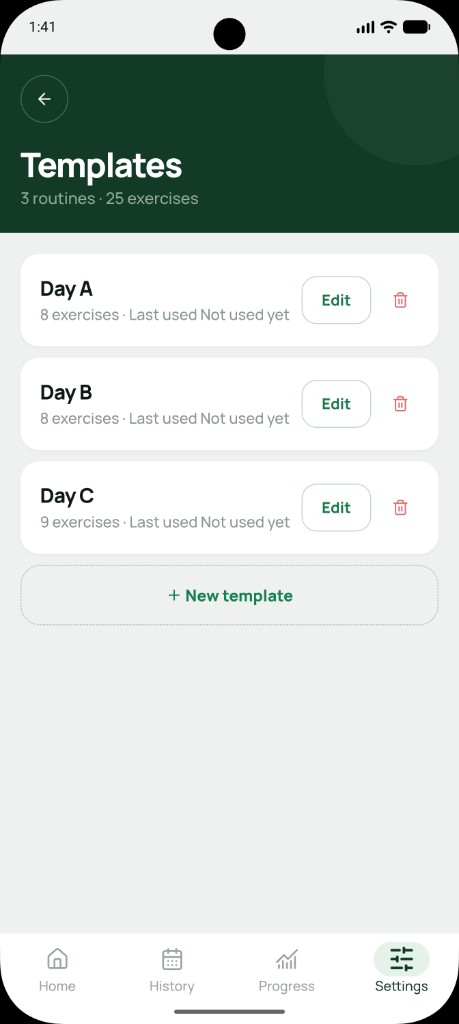
- Open Templates in Setlane. Verify Day A, Day B and Day C, then open each and check its exercise order. The existing screenshot below shows the saved routine names.
Do I run the plan in the gym or in the chat?
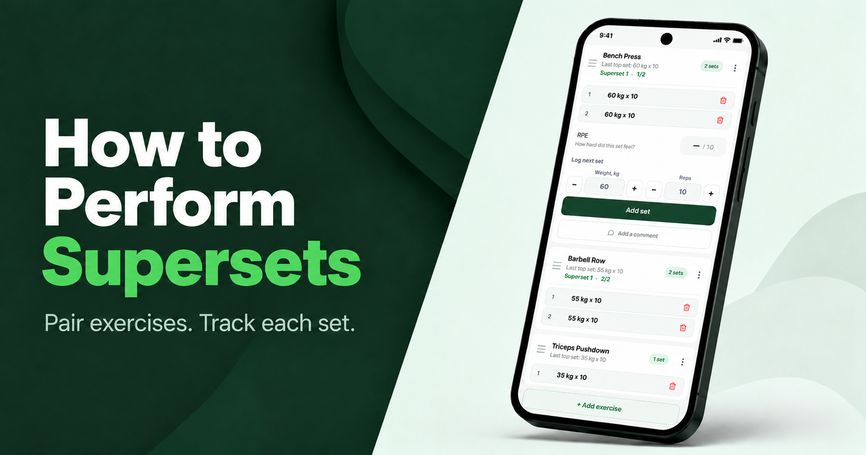
Run it in the gym. Open the routine in Setlane when you train. On a first workout, enter the weights and reps you actually do. On later sessions, previous weights and reps can be pre-filled. The rest timer keeps counting with the screen locked. ChatGPT does not need to stay open, and the connection is not required to log the session.
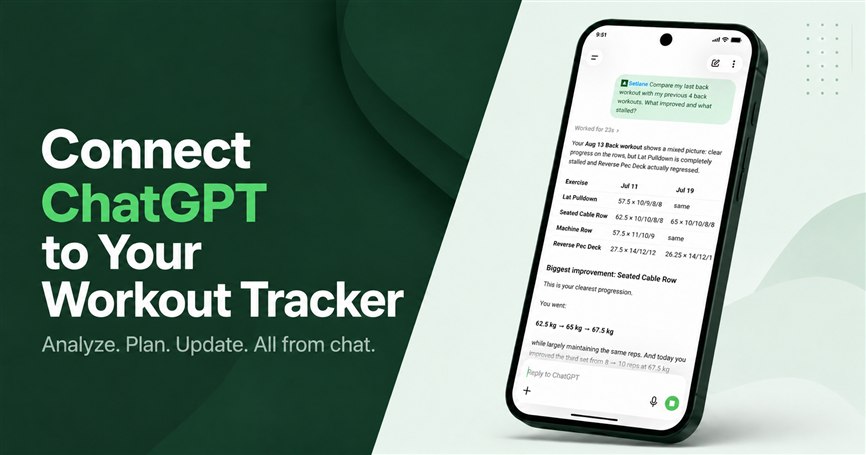
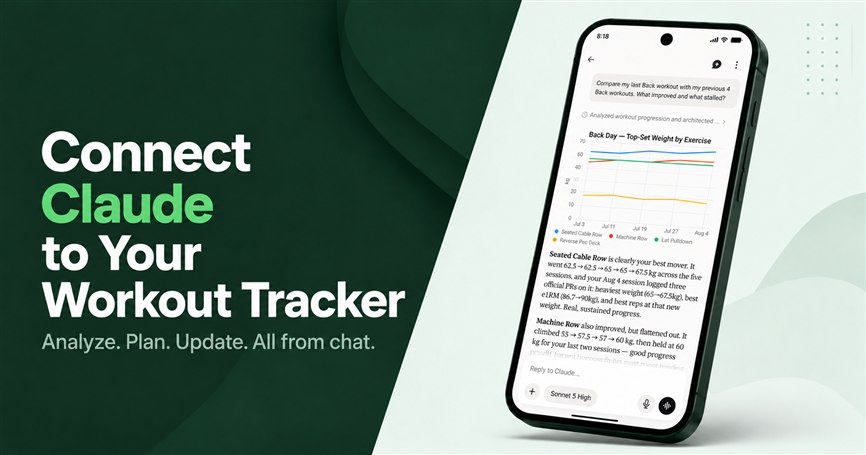
After a few weeks you can go back to ChatGPT with a different job: compare the block you just ran, flag stalled lifts, or propose a small template change. That is analysis around a log you already own — the same job as tracking progressive overload — not a new program from a blank chat.
When this is not the right path
Skip this workflow if you want the app itself to prescribe a program with no ChatGPT or Claude connection. Setlane is built for self-directed lifters. The connection is optional, and people who want a fully offline in-app coach may not be a fit today.
Stay on read-only if you only want analysis. A read-only connection will not save templates, which is the point of this guide. Do not ask ChatGPT to delete old routines “while it is there” unless you are ready to confirm a previewed deletion.
Frequently asked questions
Do I need Setlane to create a workout plan in ChatGPT?
No. You can draft and review a plan in ChatGPT on its own. A connected Setlane account with write access is needed only to save approved routines automatically.
Does ChatGPT save planned sets, reps and weights to a Setlane routine?
The current routine tools save the name and exercise list in order. Planned sets, rep ranges and target weights stay in the chat; enter your completed work in Setlane.
Will a three-day plan fit on Setlane Free?
Free allows up to three routines and five custom exercises in total. Three new days fit if those routine slots are available. AI tool-call limits and the AI provider’s separate access requirements also apply.